Our Minecraft servers are offline but we will keep this forum online for any community communication. Site permissions for posting could change at a later date but will remain online.
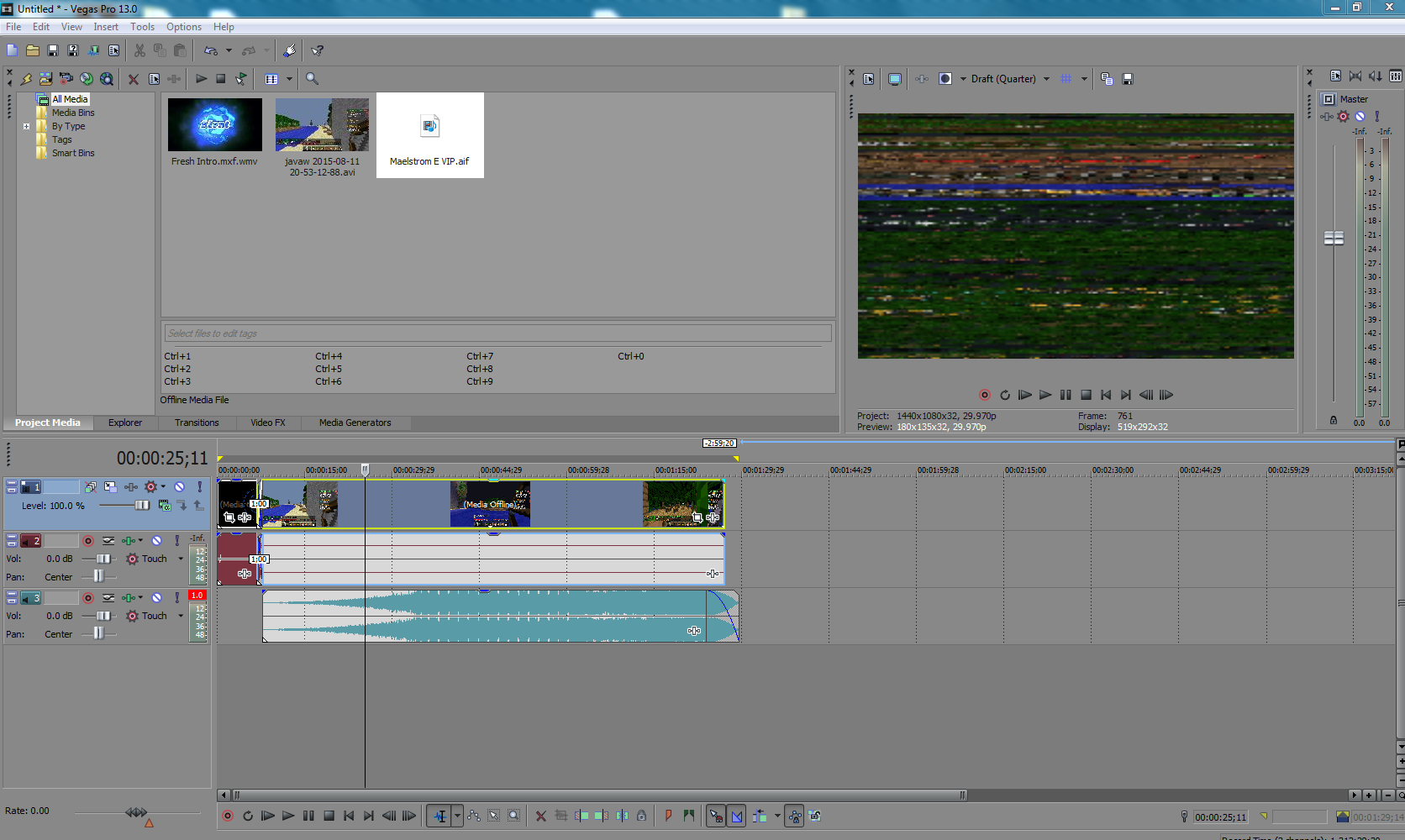
Try reinstalling the program, or select a friendHey guys, so ive been trying to render this video and it keeps ending up like this and rendering out with this.
If you know what to do, please let me know!
![]()
Every file i put into vegas.Does this happen with all video files you put into Vegas, or is it only this file that ends up like this?
What do you mean by select a friend?Try reinstalling the program, or select a friend
Every file i put into vegas.
Huh, that makes things quite a bit harder. Best idea that comes to mind is to completely uninstall vegas, removing any custom settings you've might of set, and reinstall. Some file or setting within vegas must of goofed or something, for I've never seen this happen nor have no idea what to google to start solving for it. Just a fresh install could possibly fix it.
Thankyou guys!I would suggest doing what Fireworks said. Just simply uninstall and re-install your Sony Vegas then you should be good to go![]()
Assuming you removed all of Vegas's files during the unistallation process, the problem lies within the video file itself or you have just some weird issue going on. Try recording a new video, like a 30 second test, and put it into a new vegas project. If the issue doesn't occur, then the files your using have corrupted or something. Also, try watching the video in a video player (like Windows Media Player or something). If it can read the file just fine, then it is a Vegas issue.Guys its still not working! I re installed another version of it and everything and its still not working!
Maybe try actually looking at the screenshot he posted. It's pretty easy to see what the problem is.Assuming you removed all of Vegas's files during the unistallation process, the problem lies within the video file itself or you have just some weird issue going on. Try recording a new video, like a 30 second test, and put it into a new vegas project. If the issue doesn't occur, then the files your using have corrupted or something. Also, try watching the video in a video player (like Windows Media Player or something). If it can read the file just fine, then it is a Vegas issue.